Stream Deck Plugin
GZW Items on your Stream Deck
The ultimate companion for Gray Zone Warfare players. Access the gzwitems.com item database directly from your Stream Deck without breaking focus in-game.
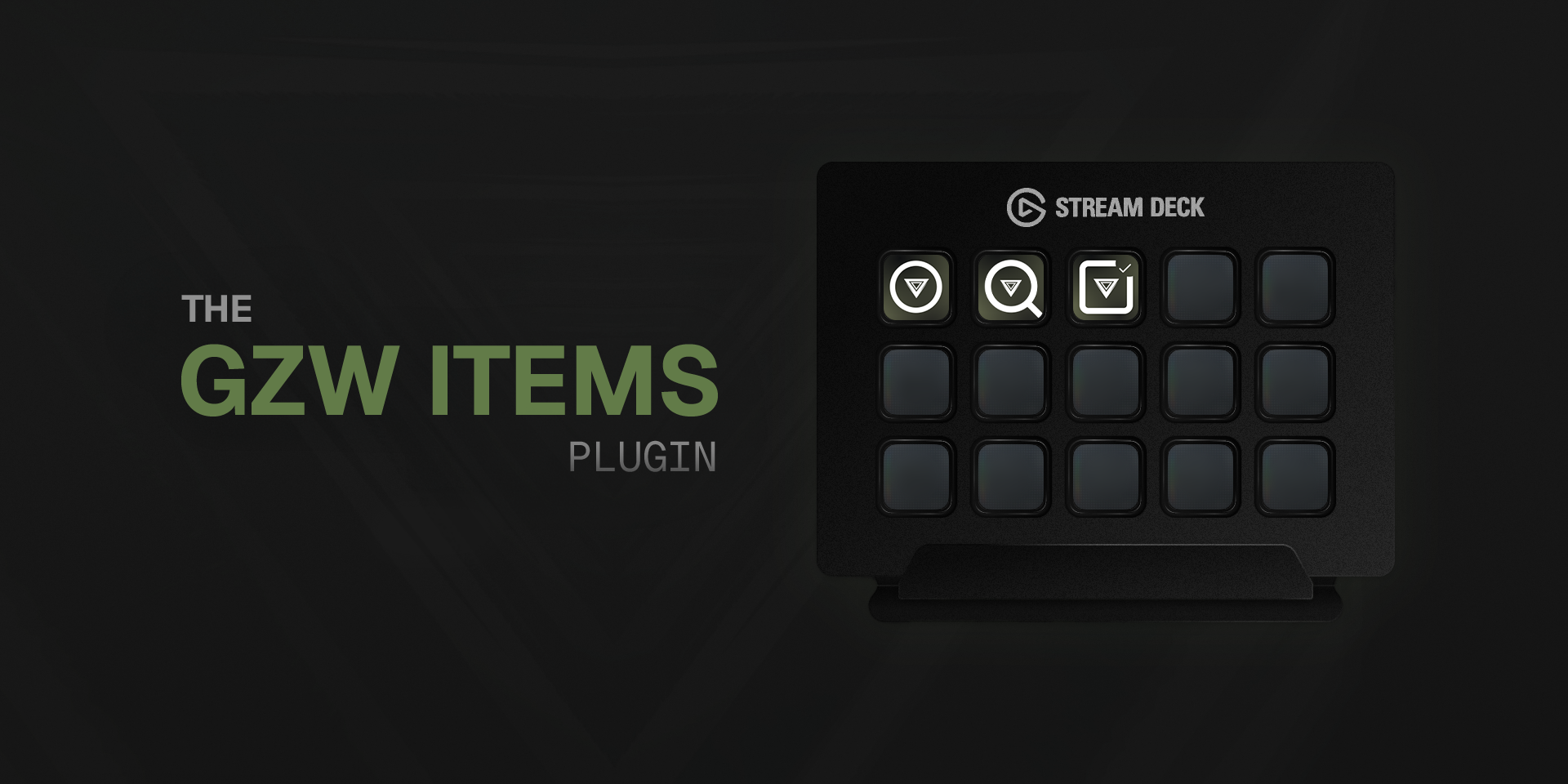
Everything you need, one button away
Built for speed so you never miss a beat in the Gray Zone.
Native Live Search
A dark-themed popup appears instantly on screen. Type to filter items by name, category or type without switching windows.
Fast & Focused
Popup opens immediately with debounced search, stays always-on-top over fullscreen games, and never creates duplicate windows.
Quick Category Access
Assign a button to any item category. Loot, Medical, Provisions, Ammo or Keys and jump straight to it.
Tasks at Your Fingertips
Open the full tasks list on gzwitems.com and check objectives without digging through menus.
Live Data
Items are fetched live from gzwitems.com. The popup footer shows a "Last updated" timestamp so you know the data is fresh.
Designed for GZW
Clean, dark-themed interface that fits your setup. No bloat, no clutter. Just fast access to the info you need.
Key details at a glance
Each search result shows everything you need to make quick decisions. When the search box is empty, the popup displays the top 30 most valuable items ranked by price per slot.
- Item image
- Name & type badge
- Category
- Weight
- Grid size
- Sell price
- Price per slot
How It Works
- 1Install the plugin on your Stream Deck
- 2Drag the actions you want onto your buttons
- 3Configure your preferred categories
- 4Press Search to open the live popup or use shortcuts for direct access
- 5Click any result for the full item page on gzwitems.com
Ready to gear up?
Get the GZW Items plugin from the Elgato Marketplace and never alt-tab for prices again.